
CredibilityCompass
Run scan
Product

MagnetHub

Turn useful resources into qualified lead signals.

Publish downloadable resources, gate high-value assets with email capture, and track claims and downloads so your team knows which content helped buyers move forward.

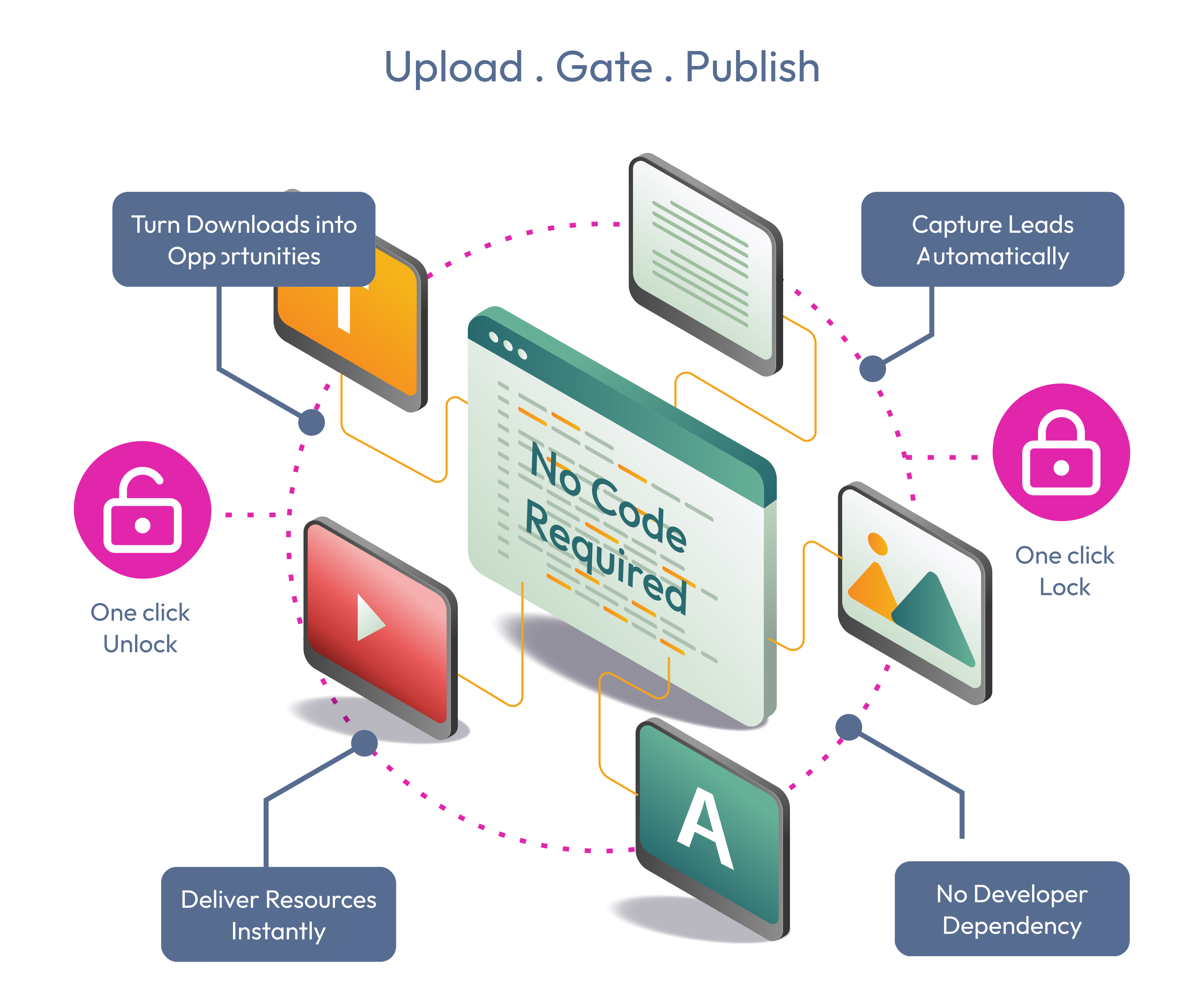
Lead magnet management workflow for publishing resources and capturing qualified intent.

What You Get

Convert helpful content into measurable buyer intent.

Buyers often need proof, checklists, templates, comparisons, or implementation details before they act. MagnetHub lets your team publish those resources, control access, and learn which assets helped visitors move forward.

Give buyers the resource they need to evaluate faster

Publish brochures, checklists, playbooks, templates, decks, and case-study collections so visitors can continue evaluating without waiting for a sales reply.

  • PDFs and decks
  • Templates and guides
  • Resource descriptions

Turn downloads into qualified intent

Gate important assets with email capture when you need a lead signal, or keep resources open when reducing friction matters more.

  • Email-required access
  • Open resources
  • Claim tracking

Route resources from the right website moment

Use MagnetHub assets inside campaigns, Website AI Search Assistant, Compass AI, and public brand pages so the right proof appears when intent is already visible.

  • Search discovery
  • Campaign CTAs
  • AI-assisted claims

Measure what content helps visitors move forward

Track claims and completed downloads alongside journeys and campaigns so your team learns which resources create real buying momentum.

  • Download events
  • Journey context
  • Campaign attribution

Resource-To-Lead Flow

Put the right proof in front of the visitor, then measure the hand raise.

MagnetHub is not just file storage. It is a conversion layer for managing resources, gating high-value downloads, routing assets from campaigns and search, and proving which content created interest.

Publish a resource

Create the asset

Upload a file or paste a hosted URL, add title, type, size, and a short description that tells visitors what they will get.

Choose access

Require an email for lead capture, leave the resource open for low-friction education, and enable or disable assets as offers change.

Connect it to intent

Let campaigns, site search, Compass AI, and public brand pages recommend the asset when visitors are comparing, researching, or ready for proof.

Track the outcome

Measure claims, downloads, and source context so marketers know which resource topics deserve more promotion or better placement.

Why It Matters

Visitors tell you what they value by the resources they claim.

A downloaded checklist, comparison guide, or implementation deck is stronger than a page view. It shows the buyer is validating a specific requirement, and gives your team a cleaner signal for follow-up, nurturing, and content planning.

Better visitor experience

People get useful resources at the moment they are evaluating instead of digging through navigation.

Better lead quality

Email-gated claims reveal which visitors cared enough to request a specific asset.

Better marketing decisions

Download evidence shows which topics, offers, and proof assets deserve stronger placement.

Publish resources visitors want

Attach guides, checklists, templates, case-study collections, decks, and starter kits to the brand moments where they can help.

  • PDFs
  • Decks
  • Templates

Capture qualified intent

Visitors can claim access through validated email flows, giving your team a clearer signal than anonymous page views alone.

  • Claim flow
  • Email validation
  • Secure links

Connect downloads to the loop

Use claims and completed downloads alongside journeys and campaigns to understand which resources move visitors toward action.

  • Download events
  • Journey context
  • Campaign tie-ins

Plan Fit

Choose the plan that fits how you want to use MagnetHub.

Compare included domains, saved brands, monthly tokens, and access to audits, search, campaigns, MagnetHub, and reporting workflows.

Start with the page that matters most

Run a scan, then use AI to turn the findings into tasks, content ideas, and campaigns.

Run a free scan