
Own page score
85
A selected audit from your verified brand page.
Audit Comparison
Benchmark your page against competitors, reference sites, campaign variants, or past versions to see where your credibility, content, metadata, and technical signals are stronger or weaker.
Comparison Snapshot
Audit Comparison shows two selected page audits in parallel, including the overall score, SEO, accessibility, trust, performance, and every detailed parameter behind the difference.
85
A selected audit from your verified brand page.
100
A saved competitor, partner, or reference page audit.
8
Counts, Images, Meta, Network, Open Graph, Page, Score, and Twitter.
Compare Controls
The comparison workspace gives teams direct controls for selecting audits, finding exact fields, changing column order, and focusing only on mismatches.
Compare auditsChoose your own brand, the page audit to compare, and the saved brand page that should sit beside it.
Find a specific metric, URL, title, description, request type, or value without scanning the full table.
Open every category for a full audit review or collapse the table back to the highest-level sections.
Reverse the comparison order or show only fields where the two selected audits disagree.
Score Breakdown
The selected audits show circular scores and side-by-side percentages for SEO, accessibility, trust, and performance so gaps are visible before reading the full table.
Selected page audit
Selected page audit
Audit Sections
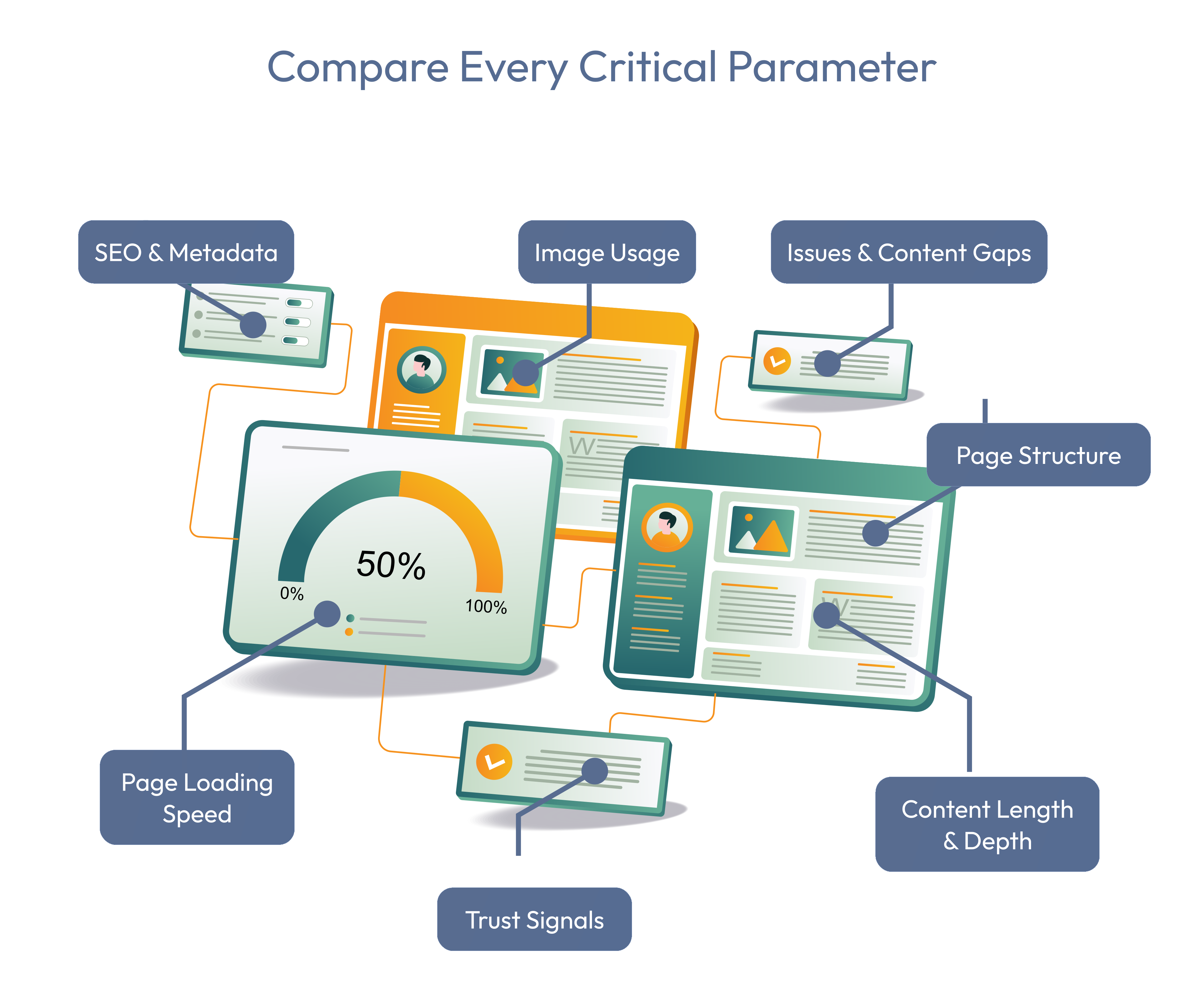
Category chips show how many comparable parameters exist in each group, while expanded rows expose the values for both selected pages.
Compare redirects, social links, total links, and other page-level count differences.
Review image count, non-lazy images, and total image weight to find visual performance gaps.
Compare headings, canonical, description, robots, and title fields side by side.
Inspect request mix, failed requests, slowest request, MIME types, and transfer size.
Check whether social preview assets and OG titles are present on each page.
Compare overall score, SEO, accessibility, trust, performance, Twitter card, and Twitter image values.
Workflow
Select an own brand audit and a saved brand audit, such as a competitor or reference page.
Compare total score and category percentages for SEO, accessibility, trust, and performance.
Expand Counts, Images, Meta, Network, Open Graph, Page, Score, and Twitter to inspect exact values.
Use search and Show differences to turn competing audit values into practical fixes.
Compare your page with a competitor, reference page, campaign variant, or previous version so improvement is measured relatively.
Search for specific parameters, expand sections, swap columns, and isolate differences that explain why one page performs better.
Use score, metadata, image, network, social preview, and page-level differences to decide what to improve next.
Plan Fit
Compare included domains, saved brands, monthly tokens, and access to audits, search, campaigns, MagnetHub, and reporting workflows.
Start with the page that matters most