
CredibilityCompass
Run scan

Website audits, campaigns, search, and lead capture

Plug-and-play intelligence for your website

Audit credibility gaps, guide visitors with AI-powered search, trigger campaigns from real behavior, capture leads with gated resources, and learn from the journeys that show where people engage, stall, or convert.

Audit trust gaps

Answer visitor intent

Trigger campaigns

Capture leads

Improve with data

Experience layer

Know how CredibilityCompass enhances your website experience.

The audits and analytics matter because they make the visitor-facing layer smarter. Lead with the tools that help people find answers, receive timely prompts, and share buying intent.

Website layer1

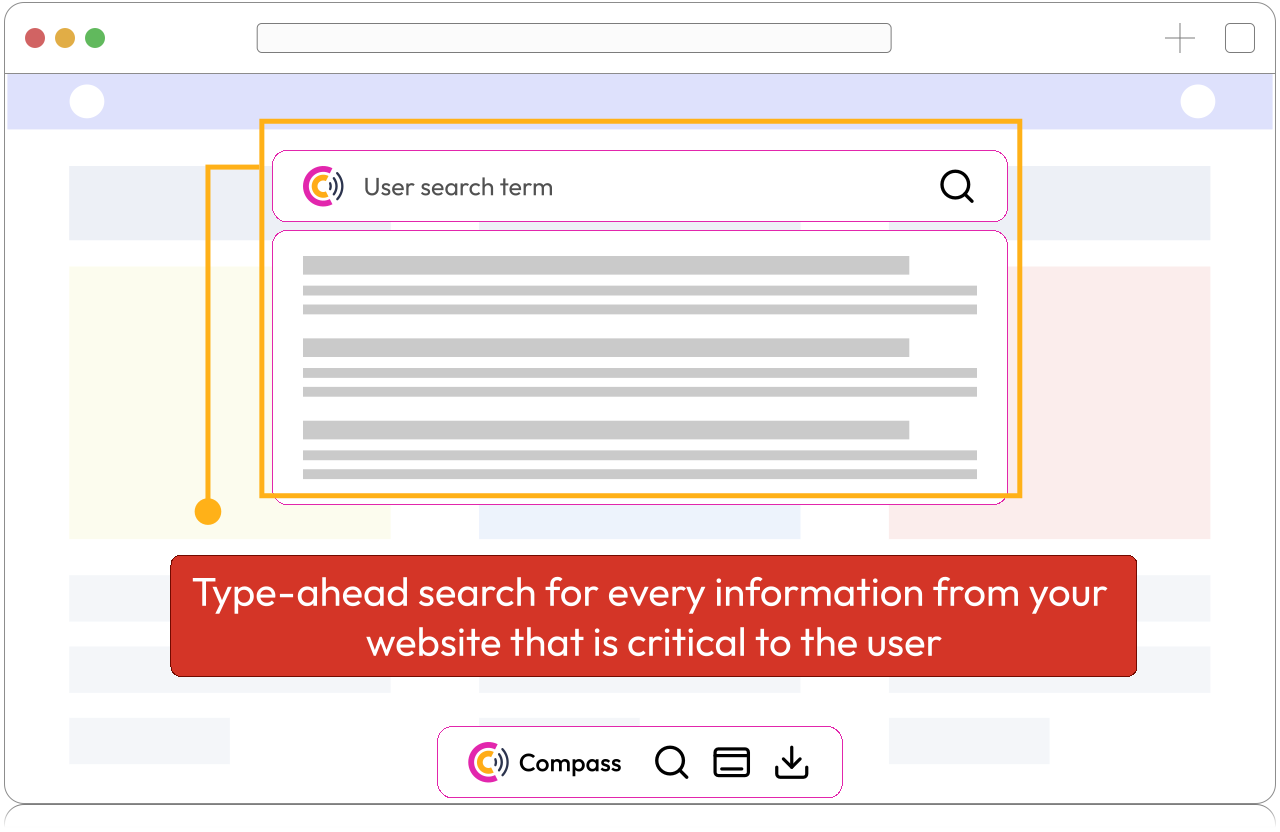
Website AI Search Assistant

Give visitors a faster way to find services, pricing context, proof, resources, blogs, and next steps from your own website knowledge.

Do you know?

Visitors can search across your website knowledge without leaving the page they are on.
Explore AI search assistant
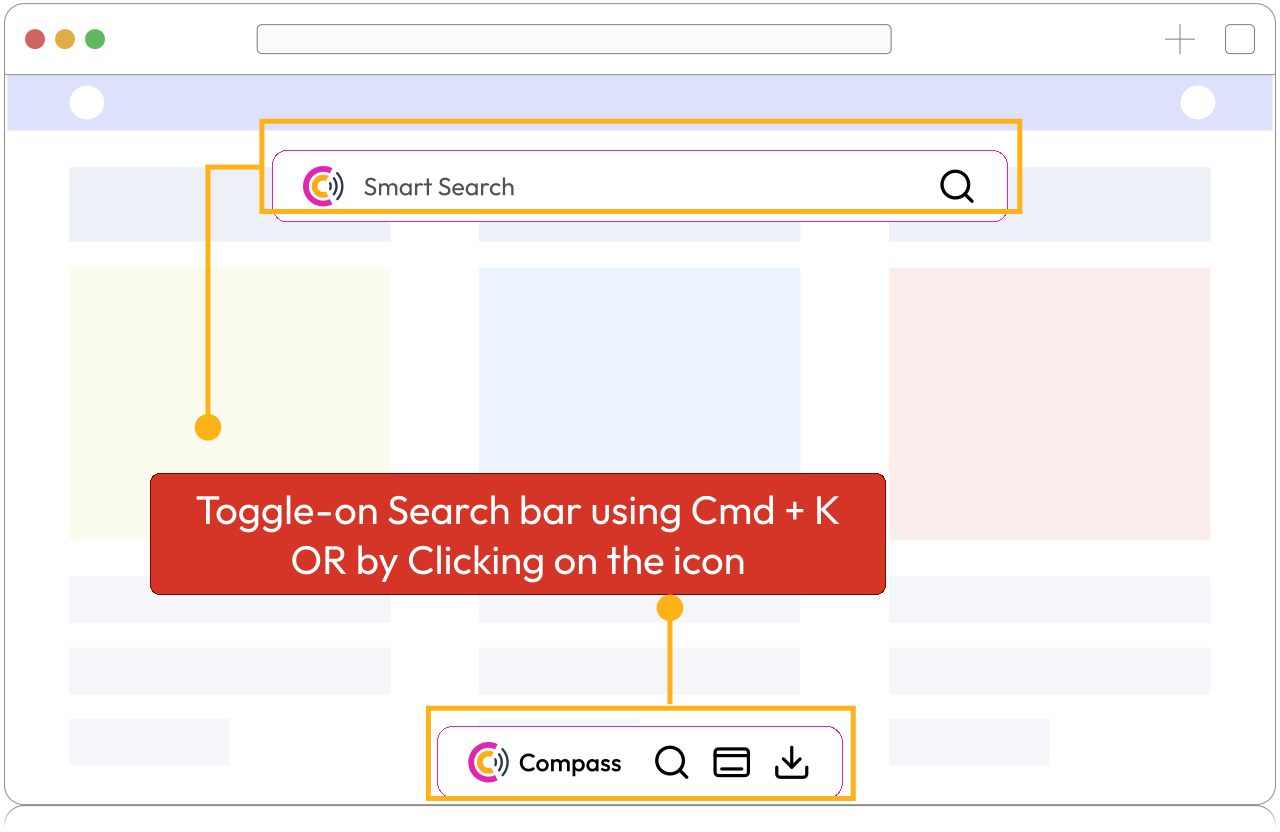
CredibilityCompass site assistant search experience shown on a website.

Help visitors find services, pricing context, proof, resources, and next steps without digging.
Website layer2

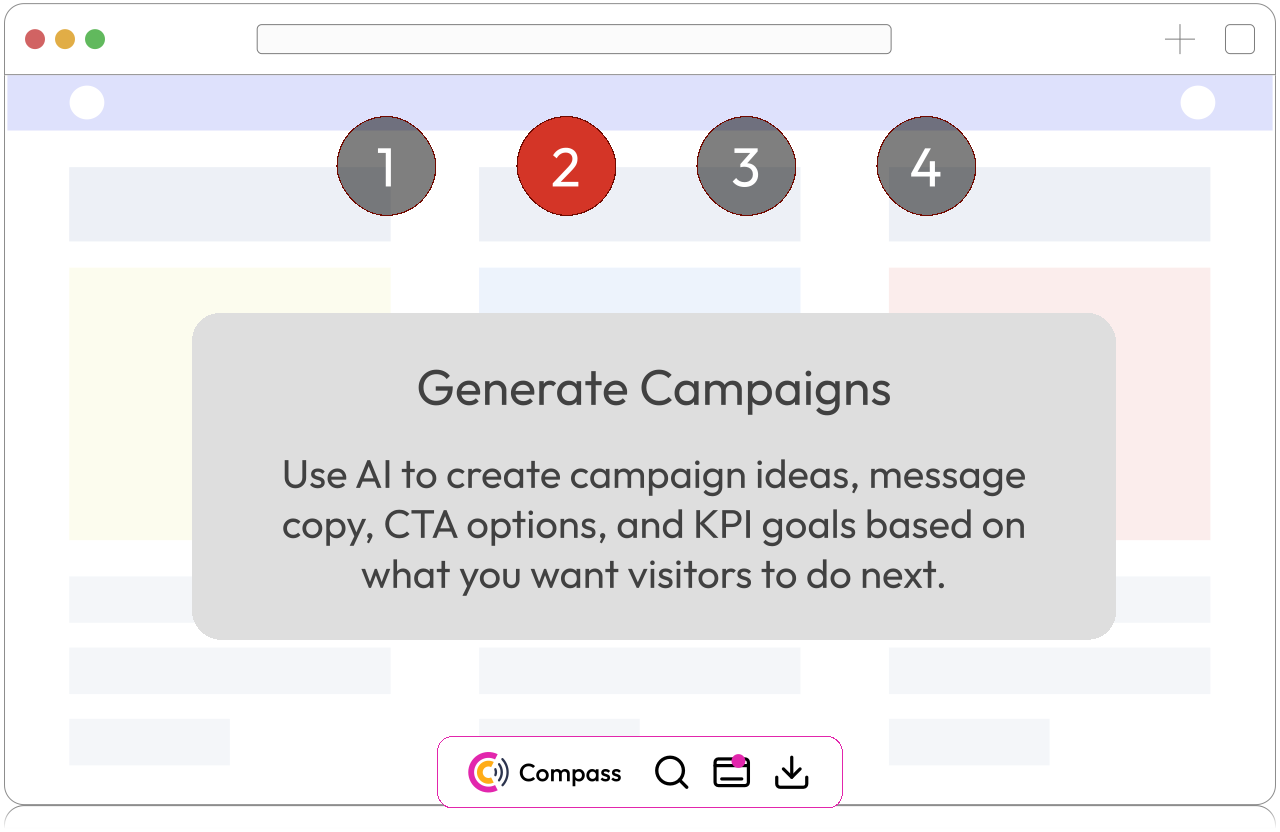
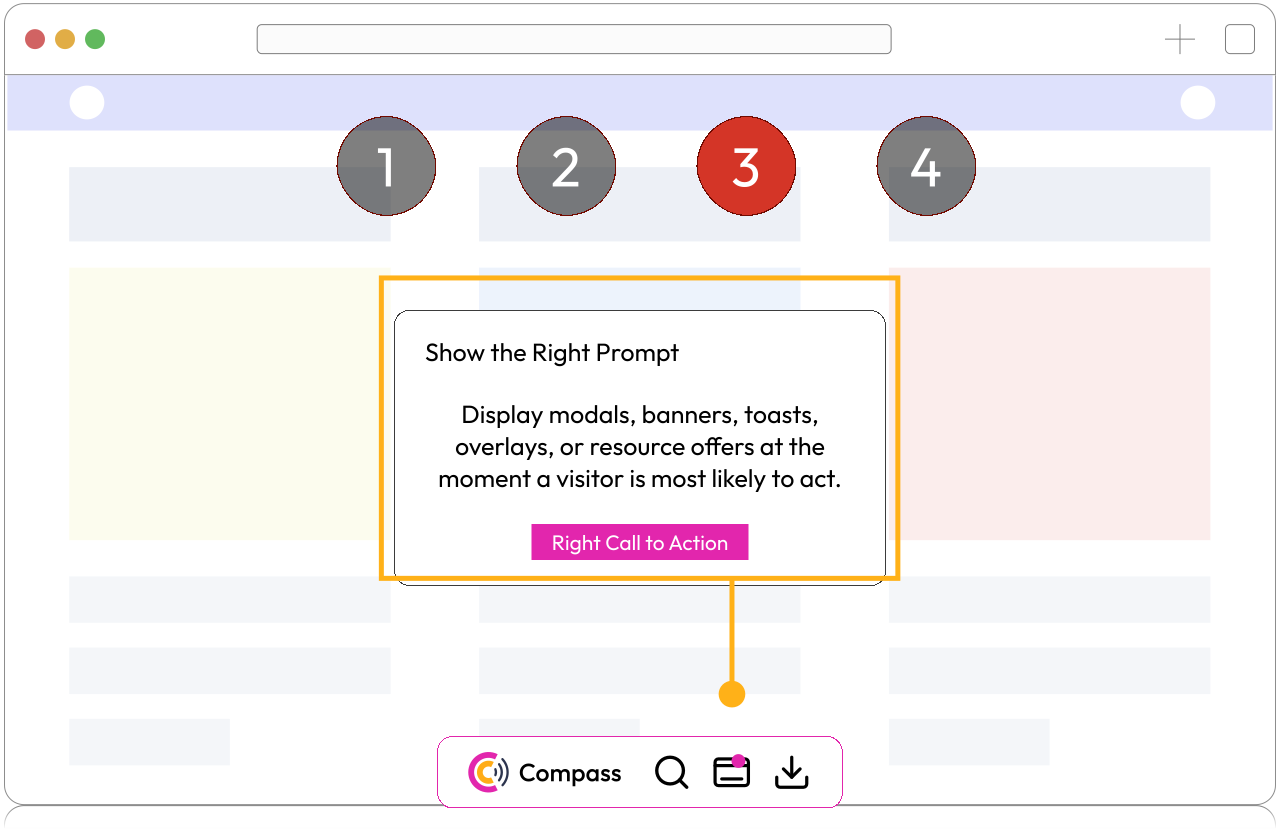
Behavior-based campaigns

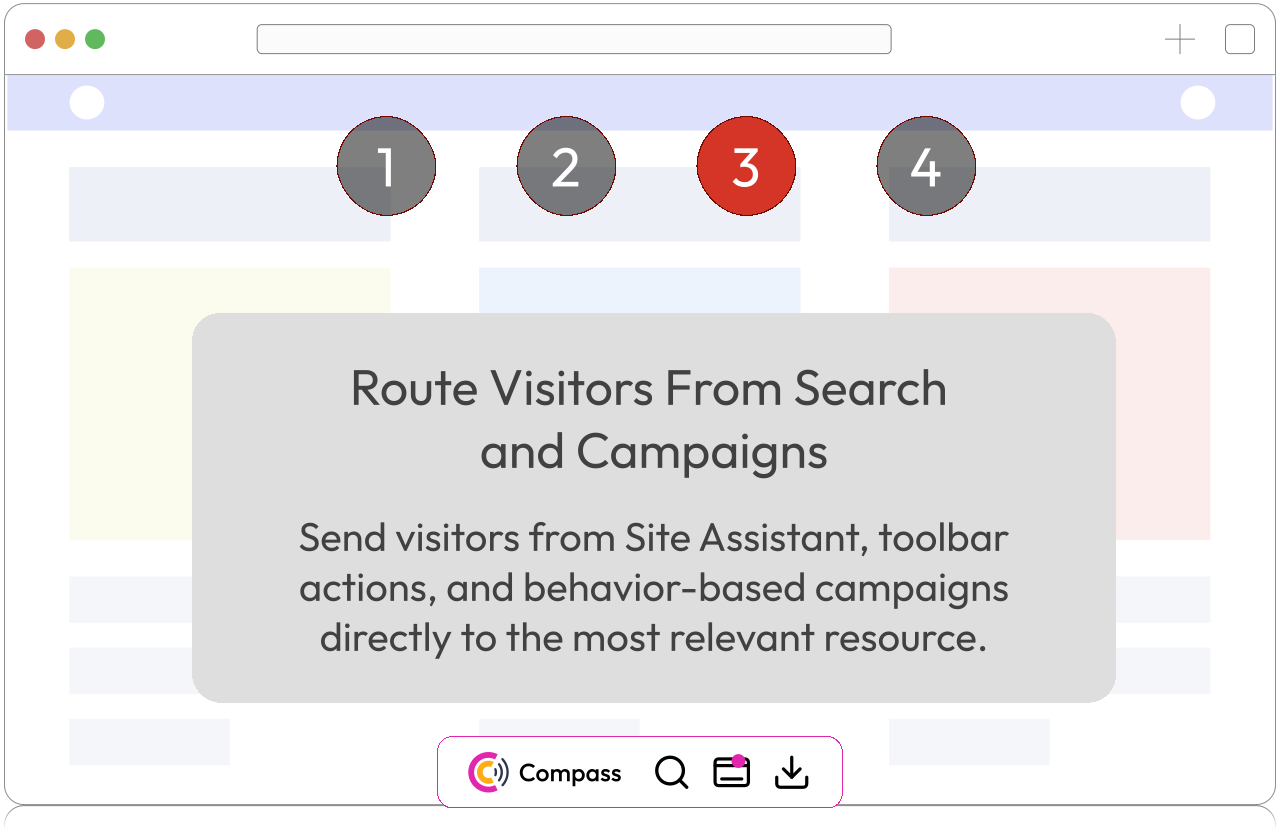
Trigger modals, banners, toasts, overlays, and resource offers from page views, clicks, searches, scroll depth, return visits, and journey milestones.

Do you know?

Campaigns can trigger from behavior signals instead of showing the same message to every visitor.

Explore campaign automation
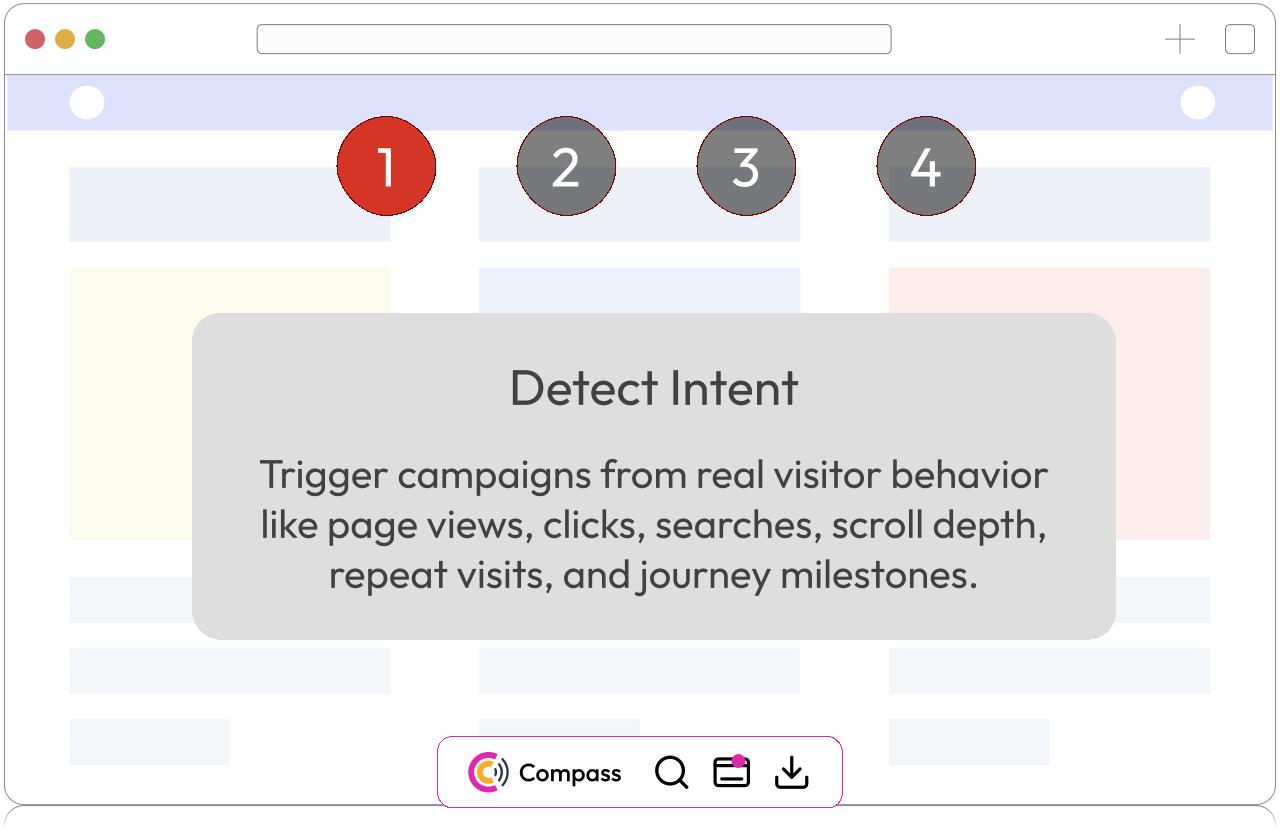
CredibilityCompass campaign intent detection experience shown on a website.

Trigger campaigns from visitor behavior like page views, clicks, searches, scroll depth, repeat visits, and journey milestones.

Website layer3

Lead capture and MagnetHub

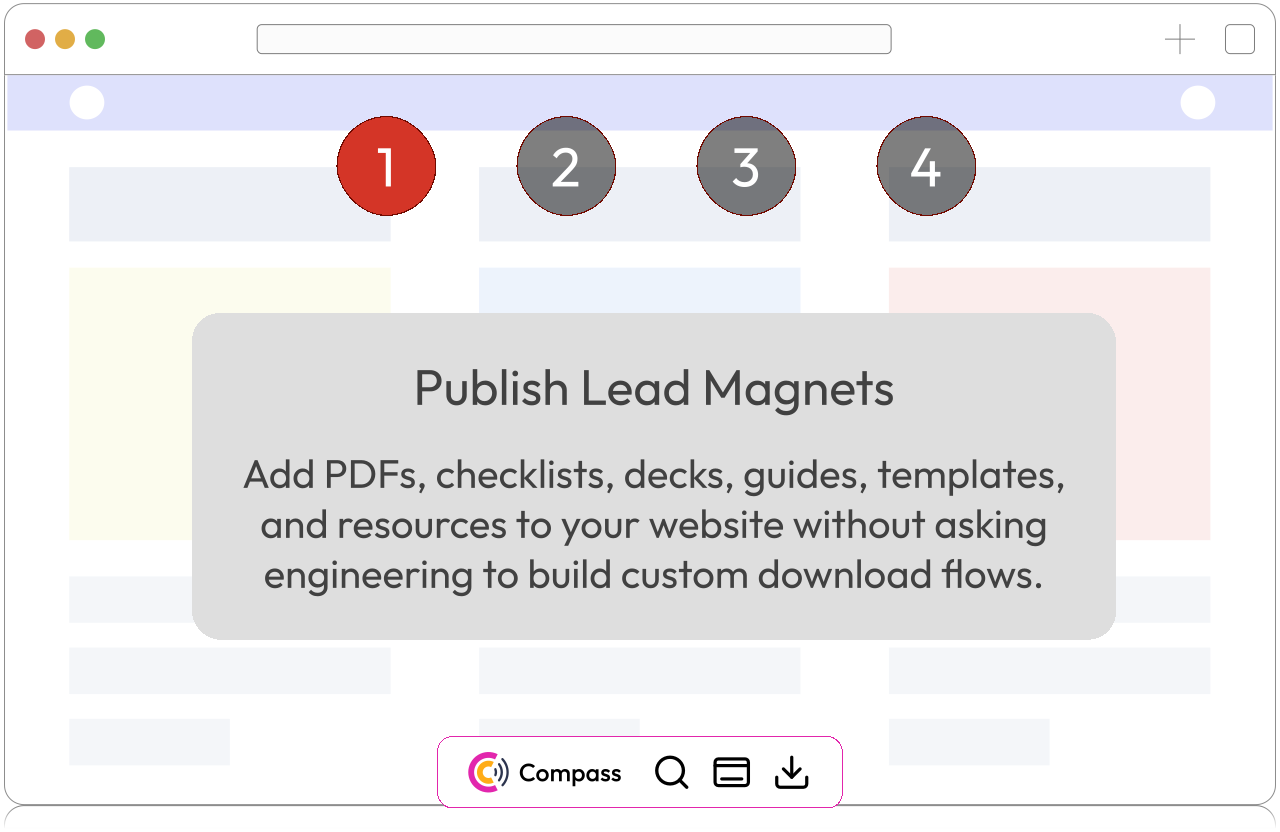
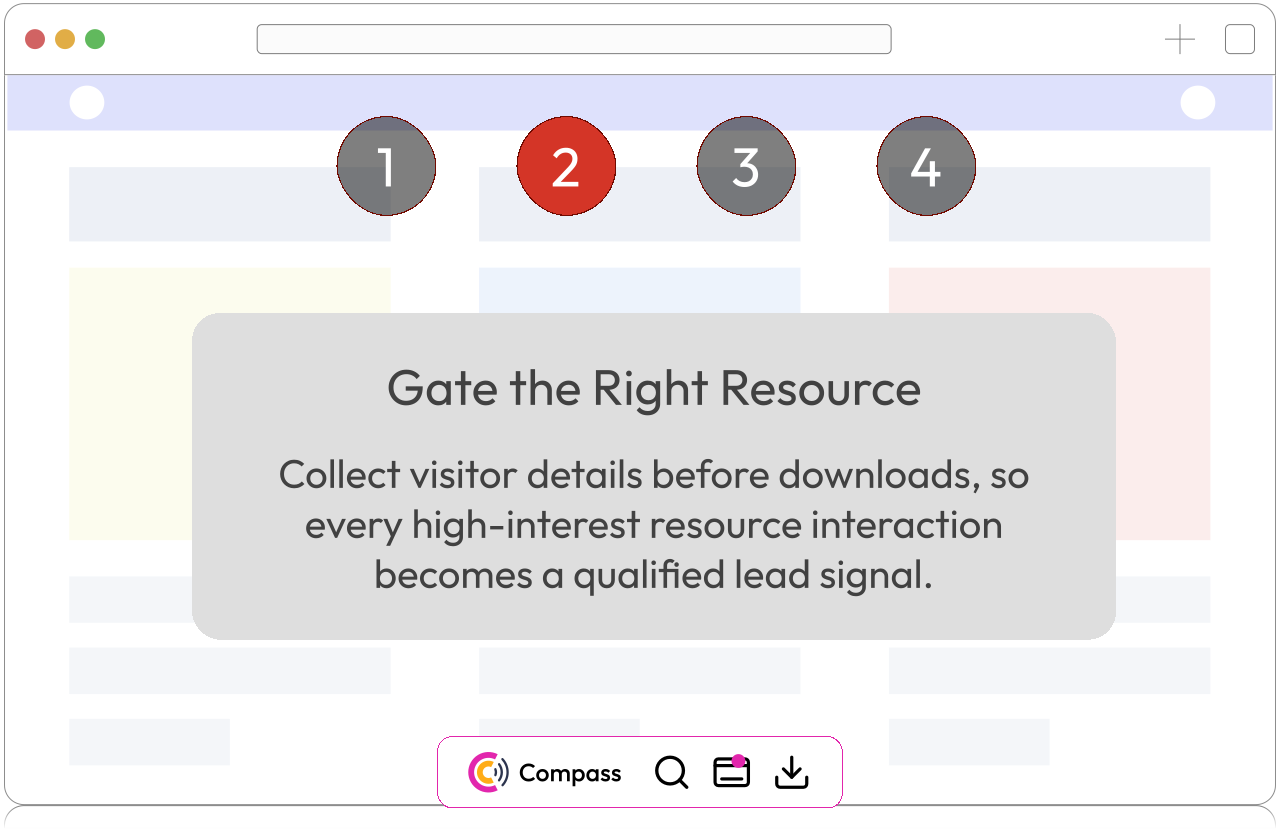
Publish gated checklists, PDFs, decks, templates, and guides that campaigns and search can route visitors toward without engineering work.

Do you know?

MagnetHub lets teams publish downloadable resources without waiting for website development.

Explore lead capture
CredibilityCompass MagnetHub lead magnet publishing experience.

Add PDFs, checklists, decks, guides, templates, and resources without custom download development.

Website layer4

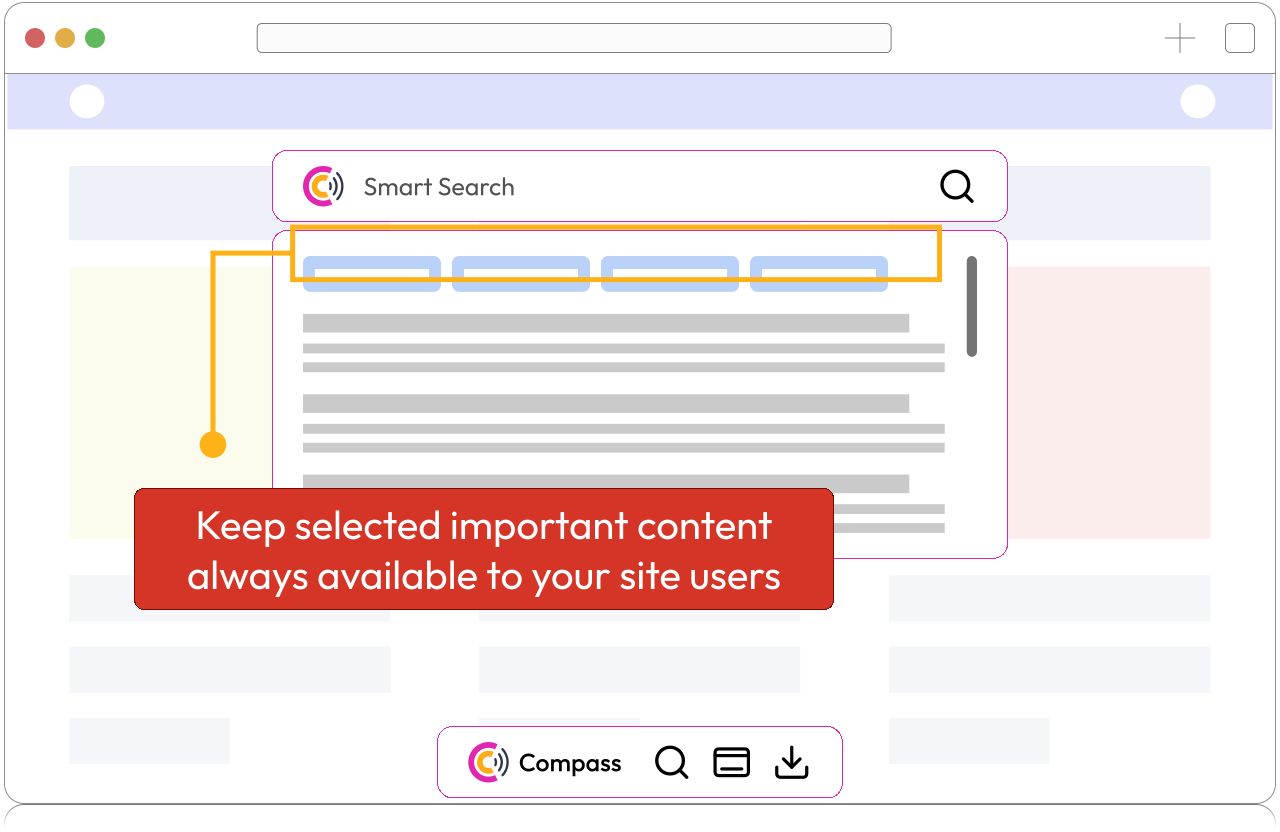
Website toolbar

Add a floating toolbar to your website that gives visitors persistent access to the critical product information, resources, answers, and configurable next steps they need.

Do you know?

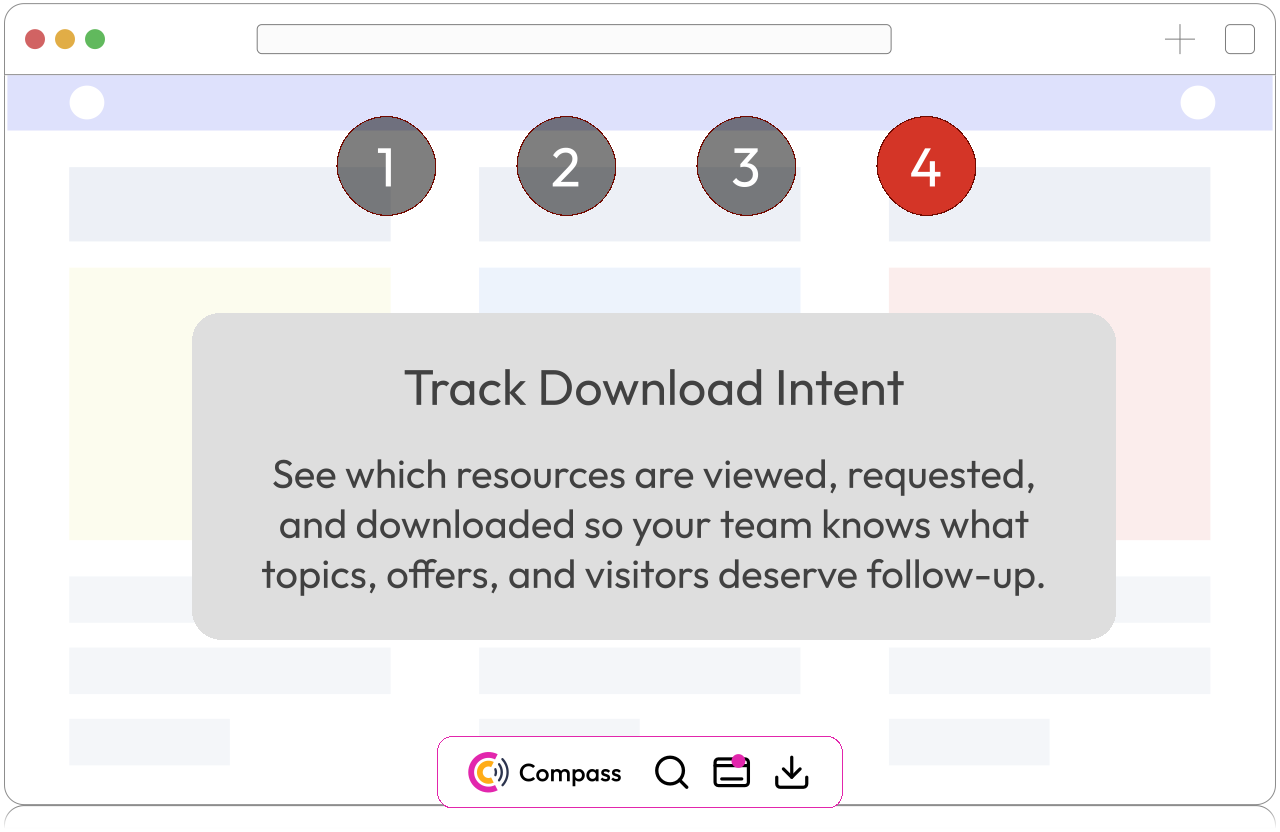
The toolbar keeps search, resources, and key actions available across the visitor journey.

Explore website toolbar
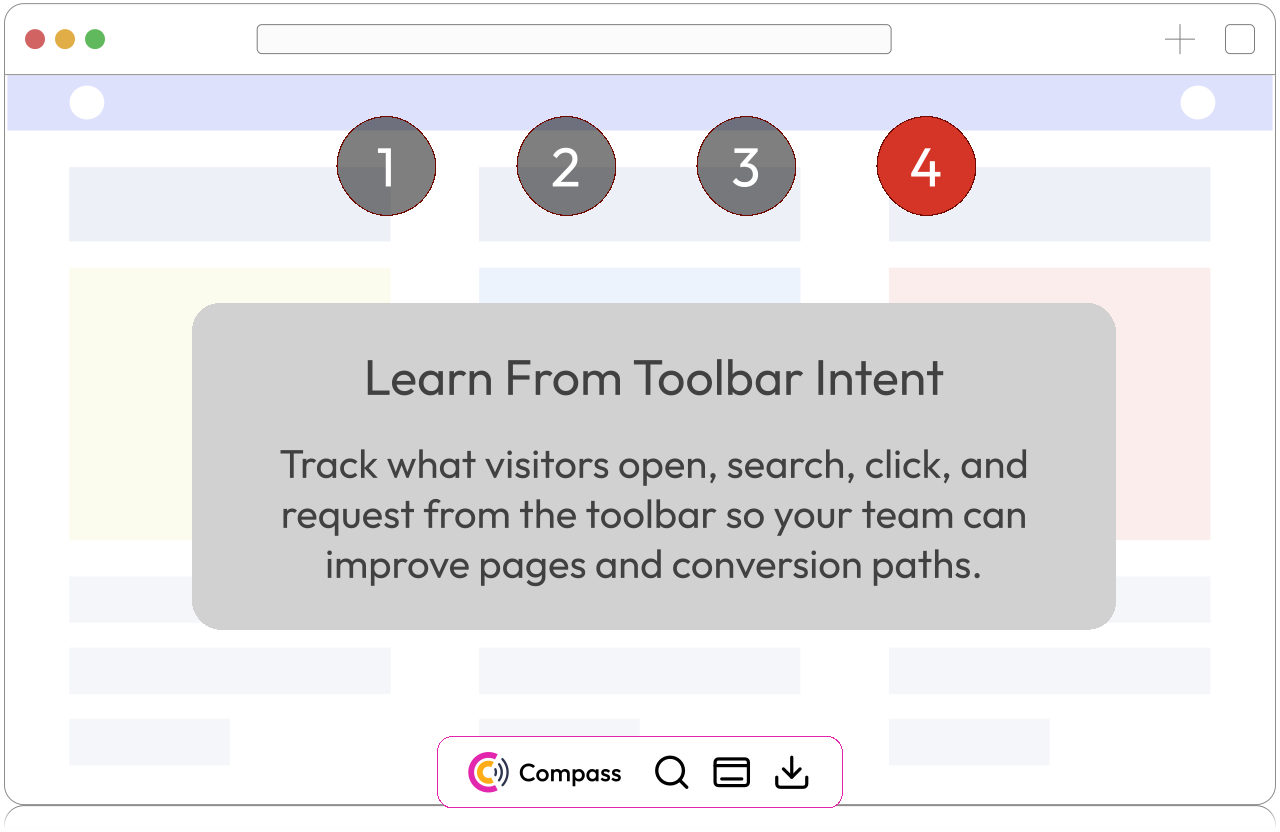
CredibilityCompass floating website toolbar persistent access experience.

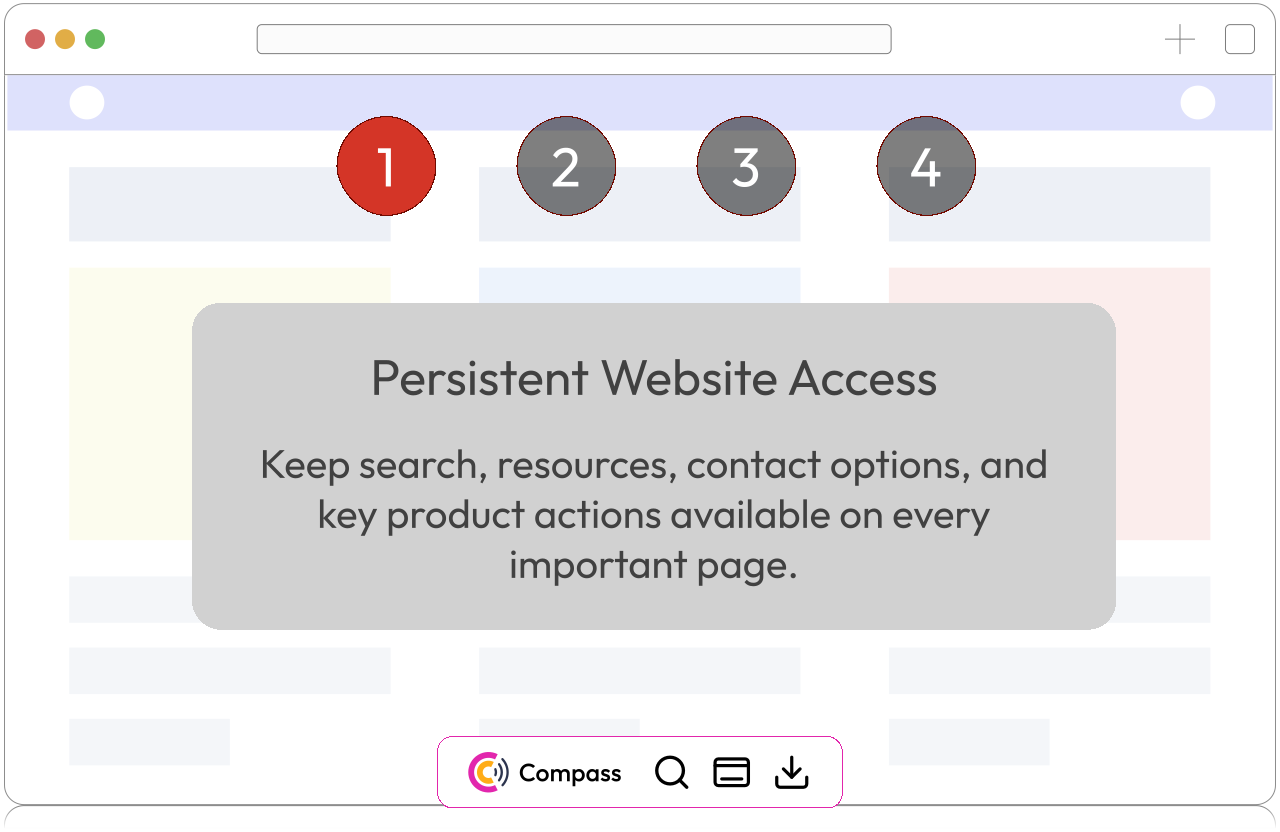
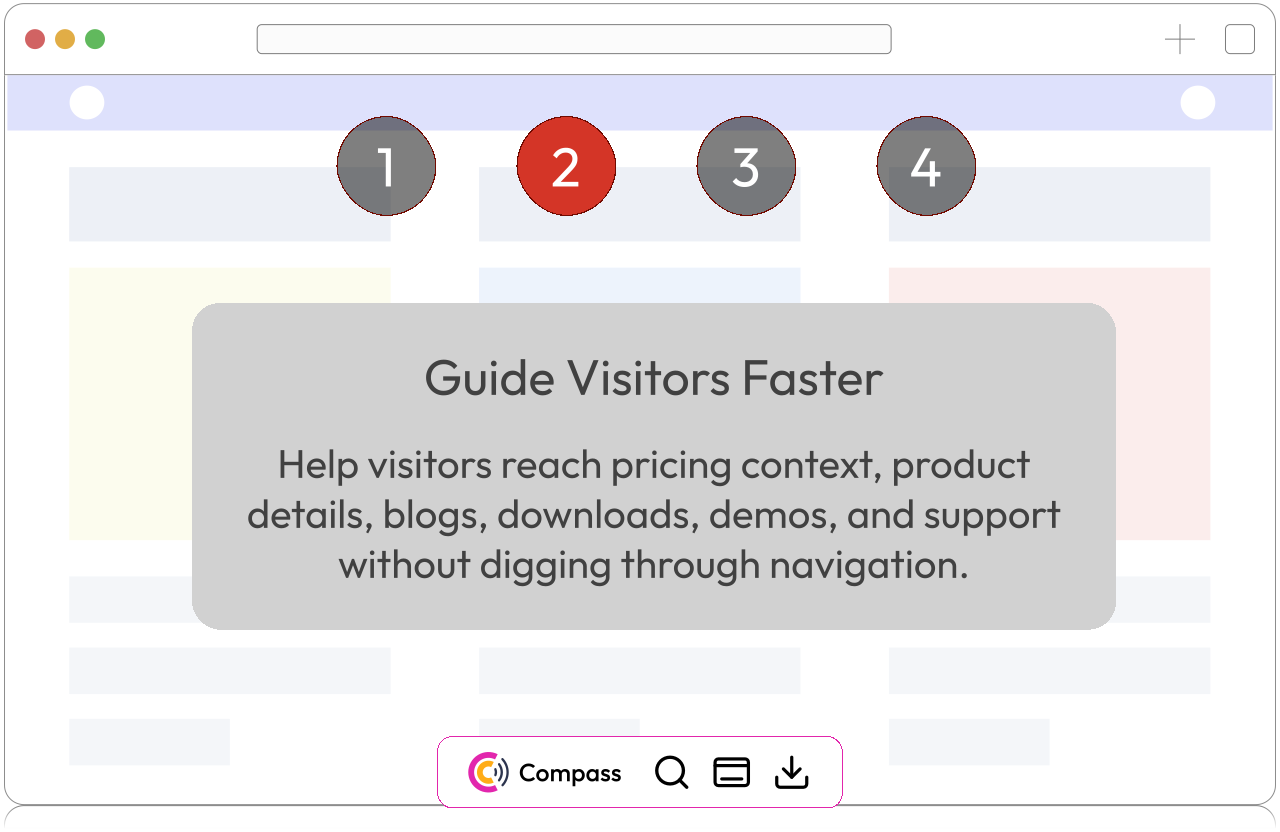
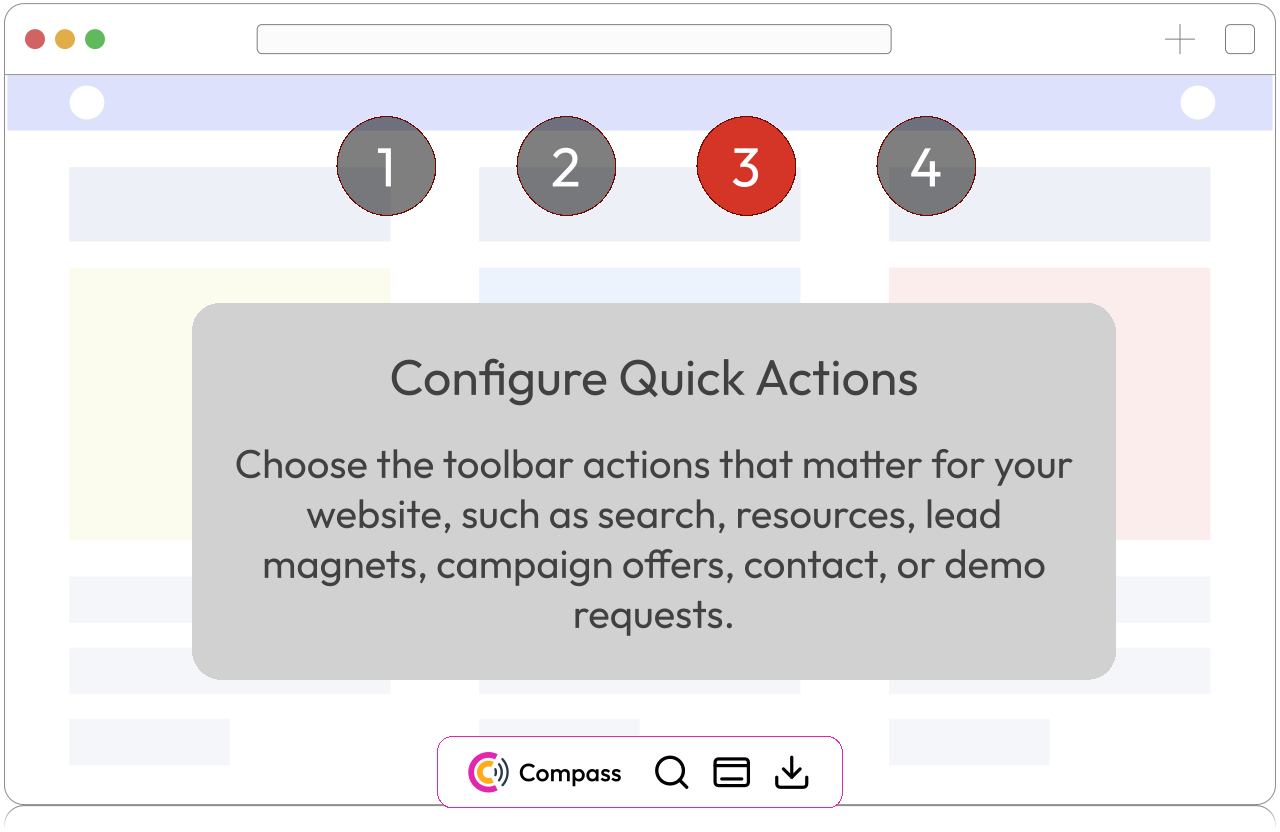
Keep search, resources, contact options, and key product actions available on every important page.

Killer workflow

Campaigns turn visitor behavior into timely action.

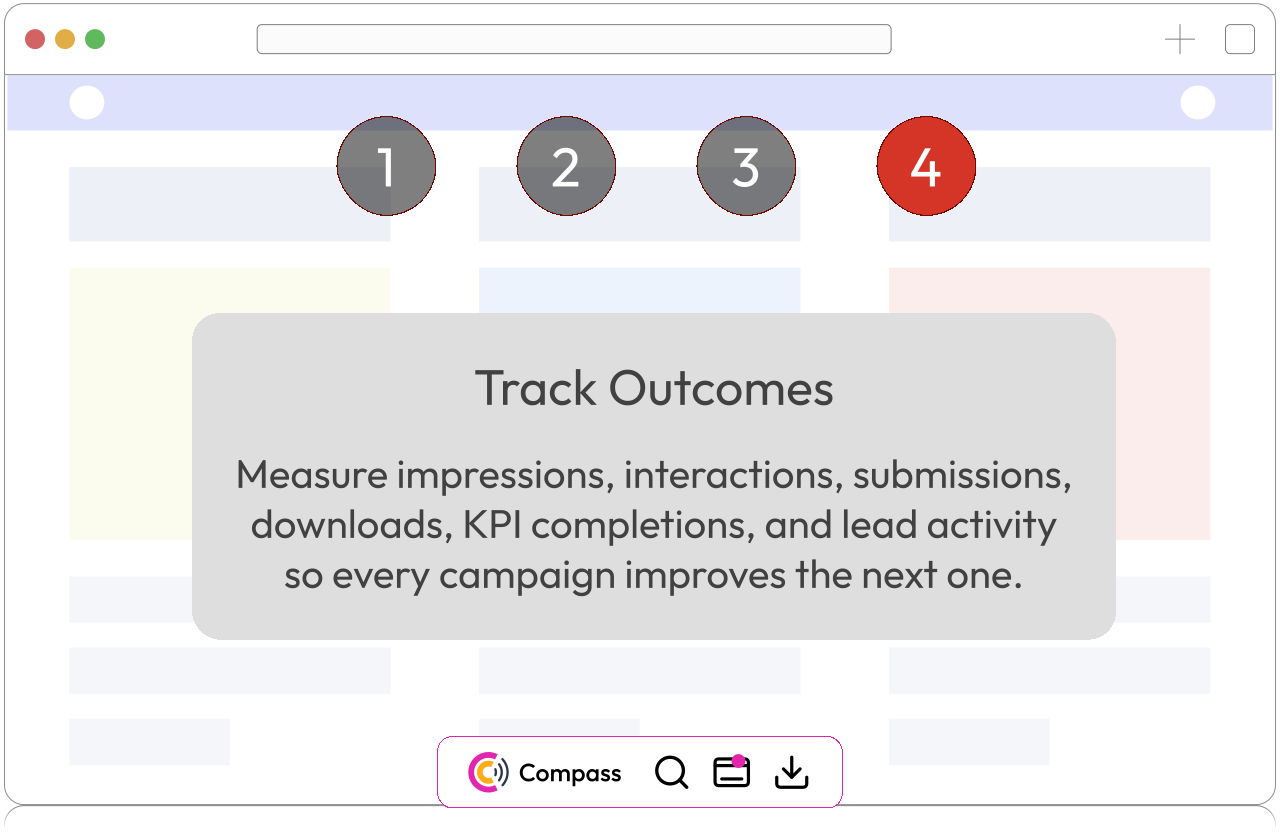
Most website tools stop at reporting. CredibilityCompass helps you act while intent is still alive: generate campaign ideas, define KPIs, trigger the right message, capture interest, and learn from every impression and interaction.

Explore behavior-based campaigns

AI-assisted campaign setup

Generate campaign ideas, message framing, and KPI structures from the visitor behavior you want to influence.

Intent-based triggers

Use single events, counts, or ordered sequences across page views, clicks, searches, journey steps, and engagement.

KPI progress tracking

Track completions, impressions, interactions, submissions, lead magnet claims, and campaign progress.

Lead capture paths

Route visitors to forms, resources, demos, signups, support flows, and campaign-specific next steps.

Diagnostic layer

Page Credibility Audit shows what blocks trust before visitors act.

Treat the audit as the improvement cockpit: it turns a page into scores, structure, keywords, performance signals, text evidence, links, and tasks your team can work through.

Score Overview

Keyword generator and intelligence

Latency Insights

Page Actions and Tasks

Page Text Preview

Document Outline

Links Overview

Scan all actions

Supporting intelligence

Analytics and overview tools explain what to improve next.

These tools are important, but they should support the conversion story rather than compete with it. Use them to decide what to fix, where to trigger campaigns, and which content or resources are missing.

Content workflows

Blogs support the knowledge layer, but should not lead the homepage yet.

Position blogs as a supporting workflow: they add credible content, give Site Assistant more knowledge, and create campaign destinations once the core conversion layer is clear.

Draft credible content

Use website context and gaps to plan blog topics and drafts.

Feed search answers

Published content can become part of searchable brand knowledge.

Create campaign destinations

Route engaged visitors to guides, articles, and resource CTAs.

How the system works

One loop from page quality to visitor action.

1

Audit

Scan important pages to find trust, content, keyword, link, latency, and structure gaps.

2

Activate

Install search, toolbar, campaigns, and MagnetHub resources where visitors need help.

3

Capture

Use campaign CTAs and gated resources to turn visible intent into leads and next steps.

4

Learn

Read journeys, UX signals, search requests, campaign events, and KPI completions.

5

Improve

Create page actions, tasks, content updates, and campaign refinements from the evidence.

Start with the page that matters most

Run a scan, then use AI to turn the findings into tasks, content ideas, and campaigns.

Run a free scan
CredibilityCompass | AI Website Credibility, SEO & AIEO Intelligence