Visitor Outcome
Find
Visitors reach the right page, service, guide, or resource without getting lost.
Website AI Search Assistant
Help visitors find answers, discover useful resources, and move to the right next step while your team learns what people were trying to find.
Outcome Snapshot
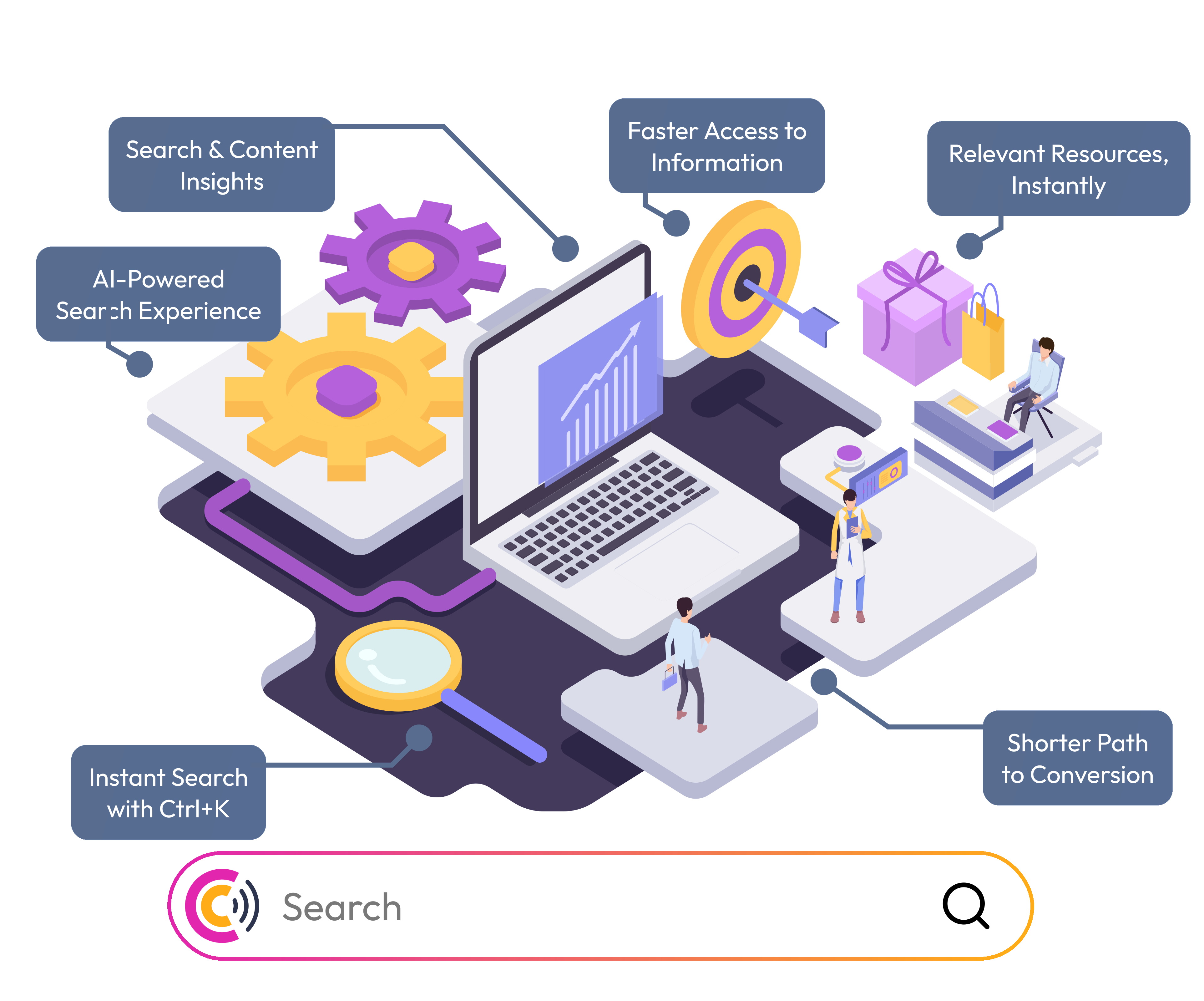
Website AI Search Assistant helps visitors search, ask, discover, and act faster while giving your team practical signals for content and navigation improvements.
Find
Visitors reach the right page, service, guide, or resource without getting lost.
Discover
Important website content becomes easier to find from every page.
Learn
Search terms reveal what visitors wanted, what was unclear, and what content is missing.
Act
High-intent searches can connect visitors to services, campaigns, downloads, and next steps.
What Users Get
The real benefit is simple: visitors get unstuck faster, and your team gets evidence about what people expected the website to answer.
Search gives visitors a direct route to pages, services, blogs, resources, and answers when navigation is not enough.
A floating assistant keeps discovery available wherever visitors enter, scroll, compare, or decide.
Guides, templates, service pages, proof assets, and MagnetHub resources can appear when visitors are actively looking for them.
Tracked search terms and journey context reveal missing pages, weak labels, unclear navigation, and recurring buyer questions.
Search Foundation
Under the hood, search looks across audited page titles, descriptions, keywords, headings, page text, and URLs, then returns the latest scan for each canonical page.
Compass Search uses page audits your team already runs, matching against titles, descriptions, keywords, headings, body text, and URLs.
When page content is updated and scanned again, search results update too, so visitors see the newest indexed version instead of outdated page evidence.
Search returns lightweight result cards with a readable title, canonical URL, path, and contextual snippet around the matched query.
Teams can enable AI answers so visitors can ask natural questions against indexed site and brand knowledge, not only exact keywords.
The assistant can route visitors toward pages, blogs, services, resources, and lead magnets from one website experience.
Search and chat requests show up beside visitor paths so teams can spot content gaps, unclear navigation, and high-intent questions.
Knowledge Sources
In Brand Editor, teams can review which sources are ready and reindex the assistant after important website or content changes.
Scans and bulk scans provide the page-level content, metadata, headings, and links that power direct search results.
Configured service descriptions help the assistant explain what the business offers and point visitors to the right next step.
Brand blog content can expand coverage for educational, comparison, and research-heavy queries.
Active lead magnets and downloadable resources can be suggested when visitors are looking for deeper material.
Website Controls
The website loads the assistant through the CredibilityCompass site client using the brand verification token as the site ID.
Place the assistant on the right, left, or bottom center so it fits the website layout without blocking important actions.
Use the brand accent color across search and AI answer controls so the assistant feels native to the site.
The embedded search experience supports a command-palette style flow with a keyboard shortcut for fast discovery.
Search settings include controls for IP anonymization, click recording, and suggestions as the assistant layer evolves.
Workflow
Confirm ownership and install the site client with the brand verification token.
Run audits on home, pricing, services, resources, blogs, docs, and other pages visitors need to find.
Turn on direct search, AI answers, toolbar position, and brand styling from Brand Editor.
Use search requests and journey context to find missing content, confusing navigation, and repeated visitor questions.
Give visitors one place to search pages, blogs, services, and resources instead of making them dig through menus.
Surface the pages, service details, guides, templates, and lead magnets that help visitors continue with confidence.
Track what visitors searched for so you can spot unclear navigation, missing content, and high-intent questions.
Plan Fit
Compare included domains, saved brands, monthly tokens, and access to audits, search, campaigns, MagnetHub, and reporting workflows.
Start with the page that matters most